


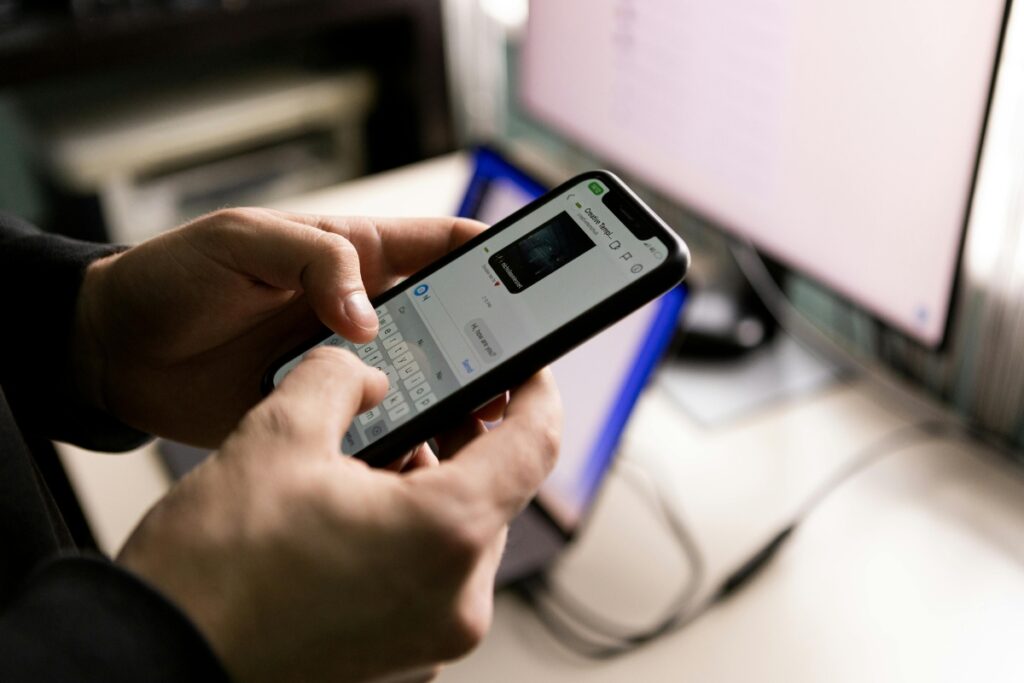
How to switch phones without losing WhatsApp chats or files
Translated from Spanish, summarized and contextualized by DistantNews.
At a glance
News
Official statement
Context piece
- WhatsApp offers two official methods to transfer chat history and files between phones.
- Users can back up data to Google Drive or iCloud, or use a direct QR code transfer between devices.
- It is recommended to ensure sufficient storage, a stable Wi-Fi connection, and verify backups before uninstalling the app from the old phone.
Switching to a new phone often brings anxiety about losing WhatsApp conversations, photos, and documents. Fortunately, WhatsApp provides official procedures to ensure a secure and complete transfer of your chat history between devices. According to WhatsApp's official support channels, users have two main options for a hassle-free data migration.
The traditional method involves backing up your information to Google Drive on Android or iCloud on iPhone. On your old phone, navigate to Settings > Chats > Chat backup, link your storage account, and tap Save. Then, on the new device, install WhatsApp, log in with the same phone number and email account. The app will detect the backup, and you can tap Restore to begin the download.
Alternatively, you can bypass the cloud and transfer your chat history directly between phones using a local network. Keep both devices close with WhatsApp installed. On the old phone, go to Settings > Chats > Transfer chats and tap Start. Then, scan the QR code displayed on the new device with your old phone, keeping the app open until the process is complete.
Before migrating, ensure your new phone has enough storage and a stable Wi-Fi connection. Also, check that your backup date is recent to avoid losing messages from the current day. Crucially, do not uninstall WhatsApp or erase your old phone until you have successfully confirmed that all your data has been transferred to the new device. The direct QR transfer primarily works between devices with the same operating system (Android to Android or iOS to iOS). For cross-platform migrations, such as from Android to iPhone, a different process is required, often involving the "Move to iOS" app or a specific workflow. The entire transfer process is end-to-end encrypted, guaranteeing the complete privacy of your information.
DistantNews Editorial
Originally published by El Comercio in Spanish. Translated, summarized, and contextualized by our editorial team with added local perspective. Read our editorial standards.
More Stories


From Our Blog

What Gets Lost (and Found) When News Is Translated

The Critical Role of Diaspora Media in Global News

What Travellers Should Know About Countries with Restricted Press

A Digital Nomad's Guide to Following Local News

How the Same Story Looks Different in Different Countries
