


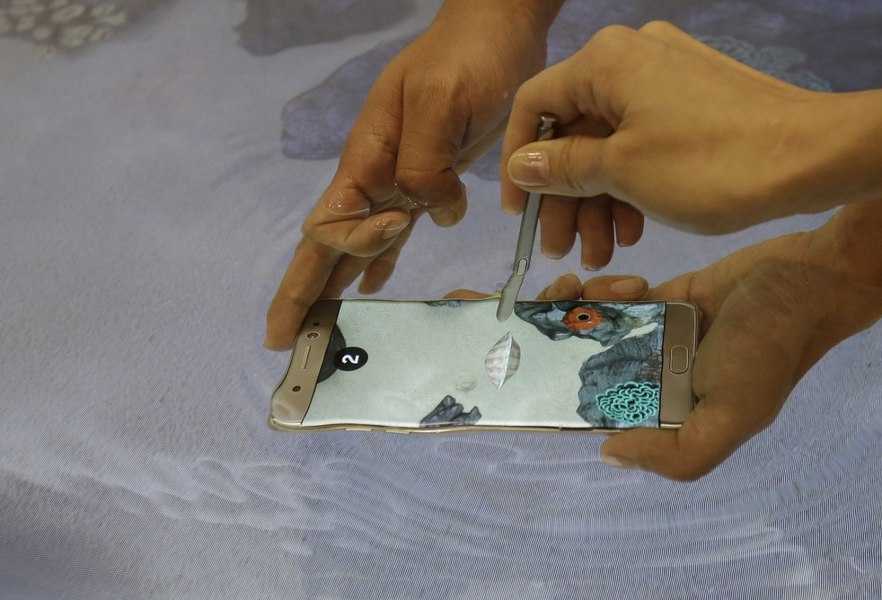
What to Do If You Drop Your Smartphone in Water: Four Golden Rules to Save Your Device
Translated from Romanian, summarized and contextualized by DistantNews.
At a glance
News
Sources not specified
Context piece
- Many people drop their smartphones into water, especially during summer, often leading to irreparable damage due to incorrect handling.
- Acting quickly is crucial: immediately turn off the device, remove accessories like cases and SIM cards, and allow it to air dry.
- Following specific steps, such as removing excess water and keeping ports facing down, can significantly increase the chances of saving a water-damaged phone.
Summer holidays often bring the joy of water activities, but they also carry the risk of costly accidents, particularly dropping a smartphone into water. While many assume a wet phone is a lost cause, a few crucial steps can often save the device.
If your device has been exposed to water or submerged, you must turn it off immediately.
Acting fast is paramount. The moment a phone hits the water, it should be powered off immediately to prevent electrical shorts. Any protective case, SIM card, and removable battery should be taken out. The exterior should be gently patted dry, and the phone held with its ports facing downwards to let any internal water drain out. It should then be left to air dry in a well-ventilated area.
Humidity inside the device can cause serious damage or corrosion of the motherboard.
Samsung outlines four key rules for salvaging a water-damaged phone. First, power it off instantly to avoid internal corrosion. Second, dry the exterior and any removable components thoroughly with a clean cloth, paying special attention to ports and jacks. Using a cotton swab can help remove moisture from these tight spaces. The advice emphasizes immediate action and avoiding common myths that can worsen the damage.
If the battery is removable, quickly remove the case, battery, SIM card, and any other components that can be removed.
DistantNews Editorial
Originally published by Adevărul in Romanian. Translated, summarized, and contextualized by our editorial team with added local perspective. Read our editorial standards.
More Stories



From Our Blog

What Gets Lost (and Found) When News Is Translated

The Critical Role of Diaspora Media in Global News

What Travellers Should Know About Countries with Restricted Press

A Digital Nomad's Guide to Following Local News

How the Same Story Looks Different in Different Countries
