


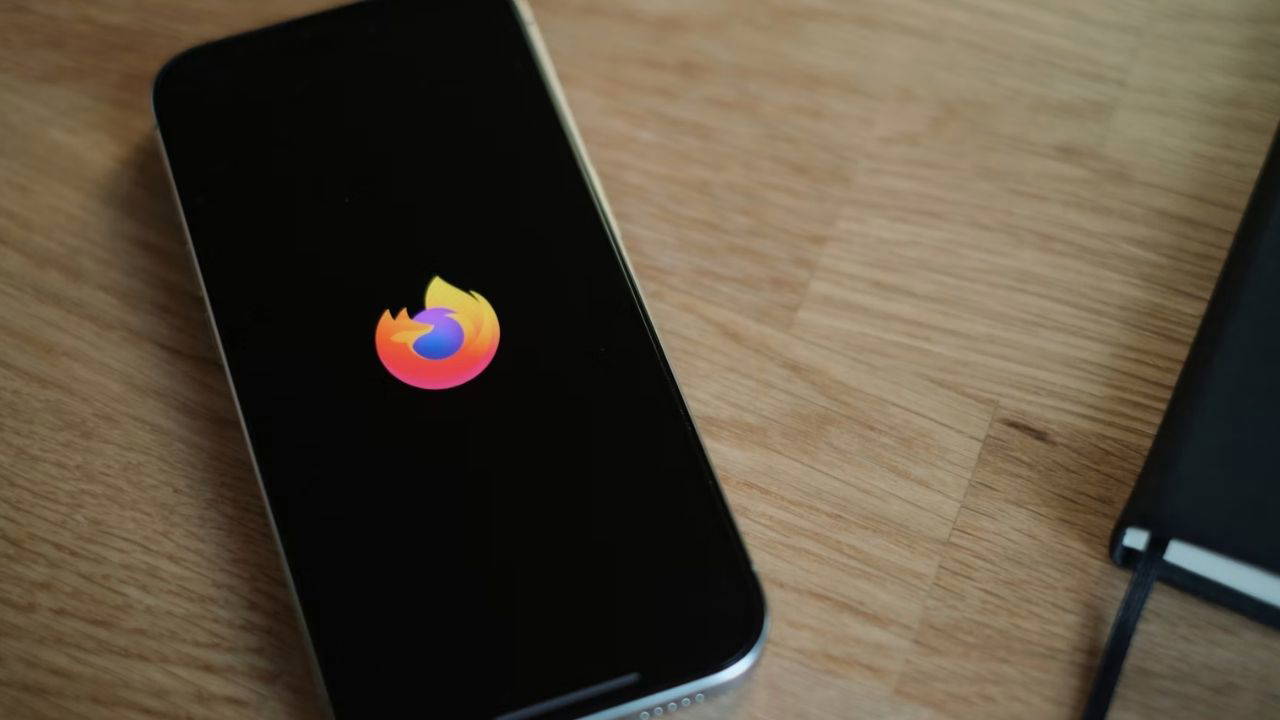
Firefox for iOS now includes built-in ad blocker
Translated from Turkish, summarized and contextualized by DistantNews.
At a glance
News
Official statement
New plan
- Mozilla has added a built-in ad blocker to the iOS version of its Firefox browser.
- The feature aims to block a wide range of ad content, including third-party ads, trackers, pop-ups, and other intrusive formats at the network level.
- The ad blocker is disabled by default and requires users to manually enable it in the Firefox settings, with exceptions for ads in Google search results and some of Google's own content.
Mozilla has introduced a new feature for its Firefox browser on iOS, integrating a built-in ad blocker designed to enhance user privacy and browsing experience. The company announced that this network-level ad blocker will significantly limit various forms of intrusive content, including third-party advertisements, tracking scripts, pop-up windows, and disruptive video advertisements.
According to Mozilla's official announcement, the ad blocker is engineered to tackle a broad spectrum of unwanted content. However, the company acknowledges that the feature is not infallible. Due to the diverse technologies employed by different websites for content display, it may not be possible to eliminate all ad content universally. The browser will also intentionally refrain from blocking ads that appear on search result pages, including those from Google, and certain content curated by Google itself.
Users will find the ad blocker deactivated by default upon updating or installing Firefox on their iOS devices. To activate the feature, individuals must navigate to the Firefox settings menu, locate the 'Ad Blocker' option, and select it. Additionally, the ad blocker can be quickly toggled on or off for individual browsing sessions through the site menu and its associated settings, offering users granular control over their browsing environment.
DistantNews Editorial
Originally published by Cumhuriyet in Turkish. Translated, summarized, and contextualized by our editorial team with added local perspective. Read our editorial standards.
More Stories



From Our Blog

What Gets Lost (and Found) When News Is Translated

The Critical Role of Diaspora Media in Global News

What Travellers Should Know About Countries with Restricted Press

A Digital Nomad's Guide to Following Local News

How the Same Story Looks Different in Different Countries
